01 / CLIPBOARD HISTORY
Copy it now.
Find it later.
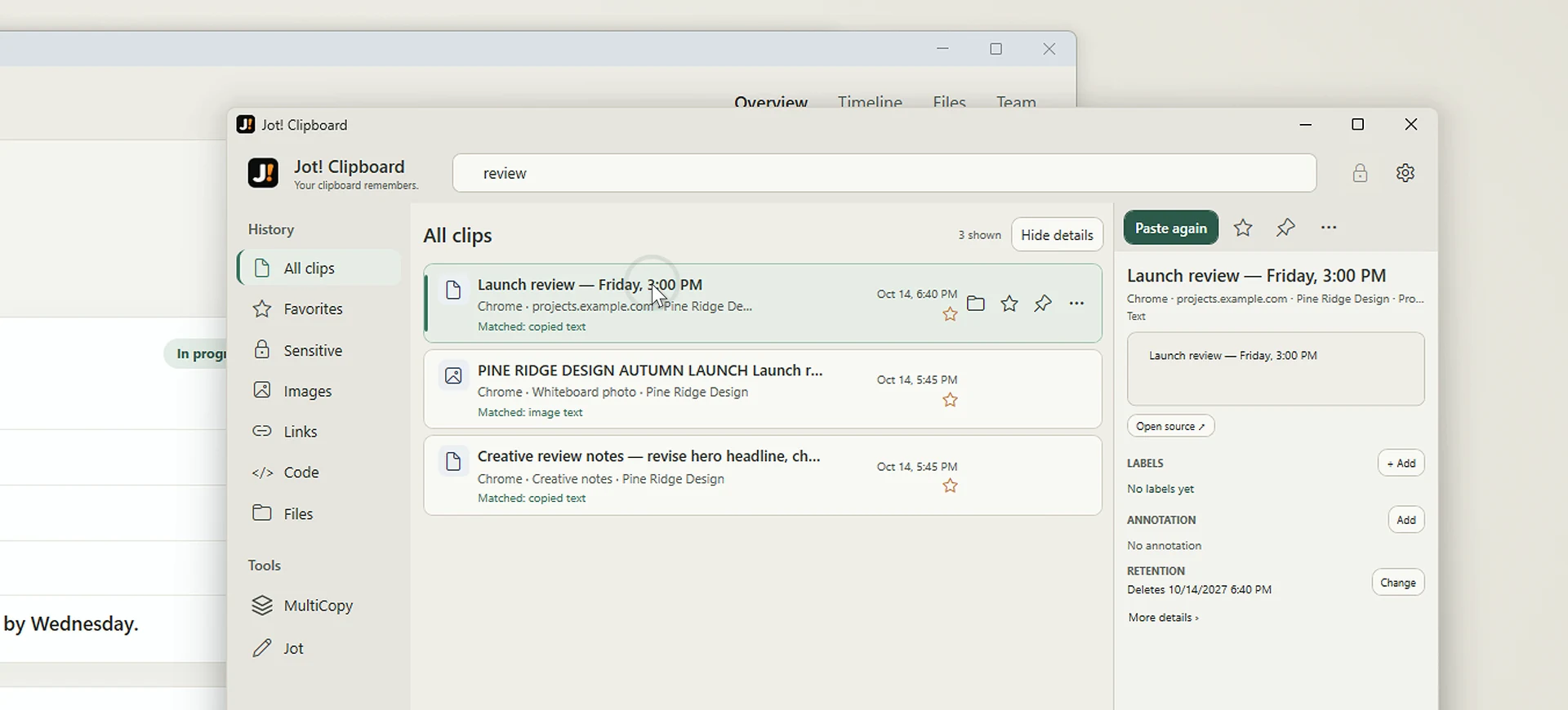
Text, links, images, files. Jot! quietly keeps what you copy so you can search, pick, and use it again.
✓ Auto-saved, locallyExplore search
Everything you copy, ready when you need it. Plus a little floating Jot pad for the things you don't want to forget.
Not another complicated workspace. Just two little tools you’ll wonder how you worked without.
Text, links, images, files. Jot! quietly keeps what you copy so you can search, pick, and use it again.
A movable, resizable scratchpad that lives beside your work. Open it from the tiny pill. Write. Tuck it away. It remembers.
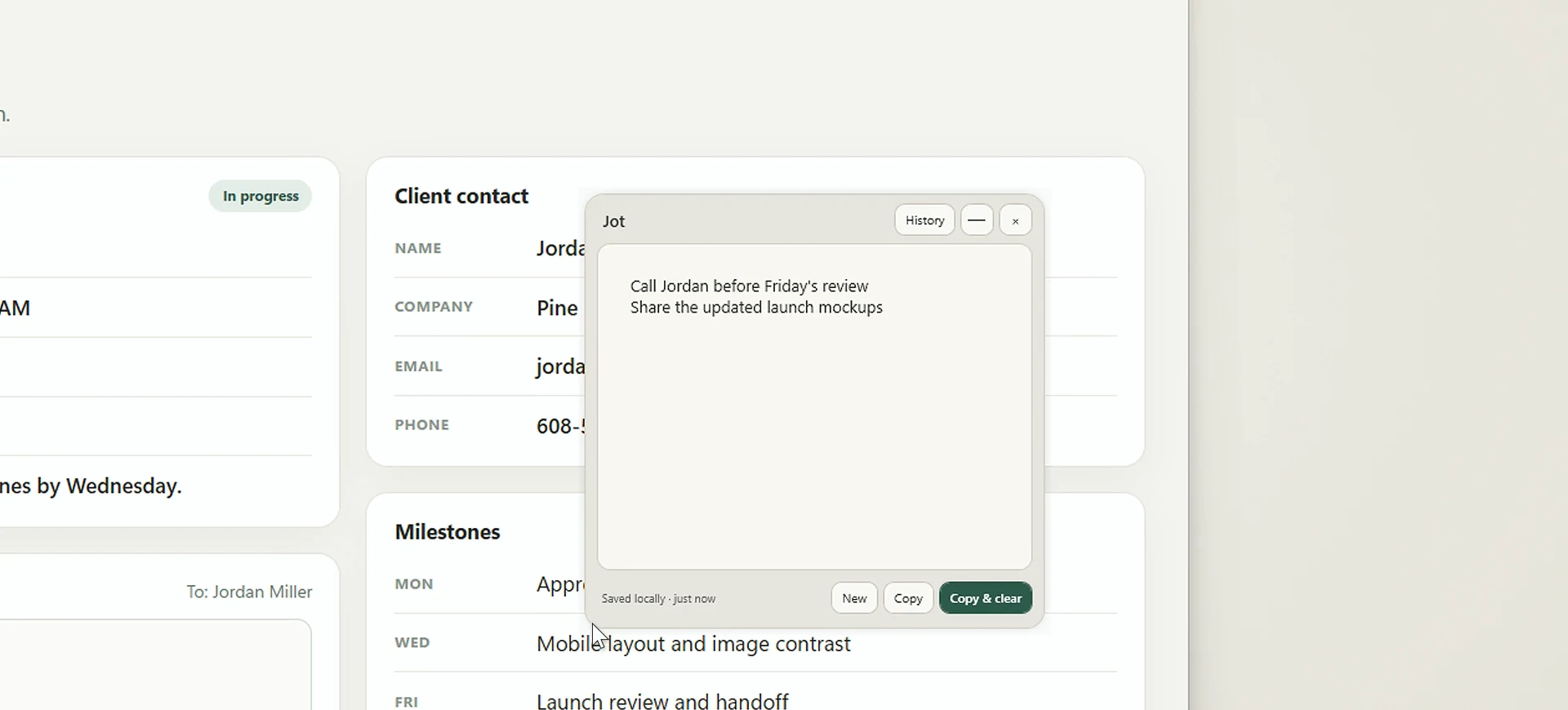 Floating, not in the way
That thing you copied five minutes ago?
Still right where you need it.
Client details. Project snippets. A dozen little things you need again. Collect them as you copy, give them labels, save the set, and grab any value later.
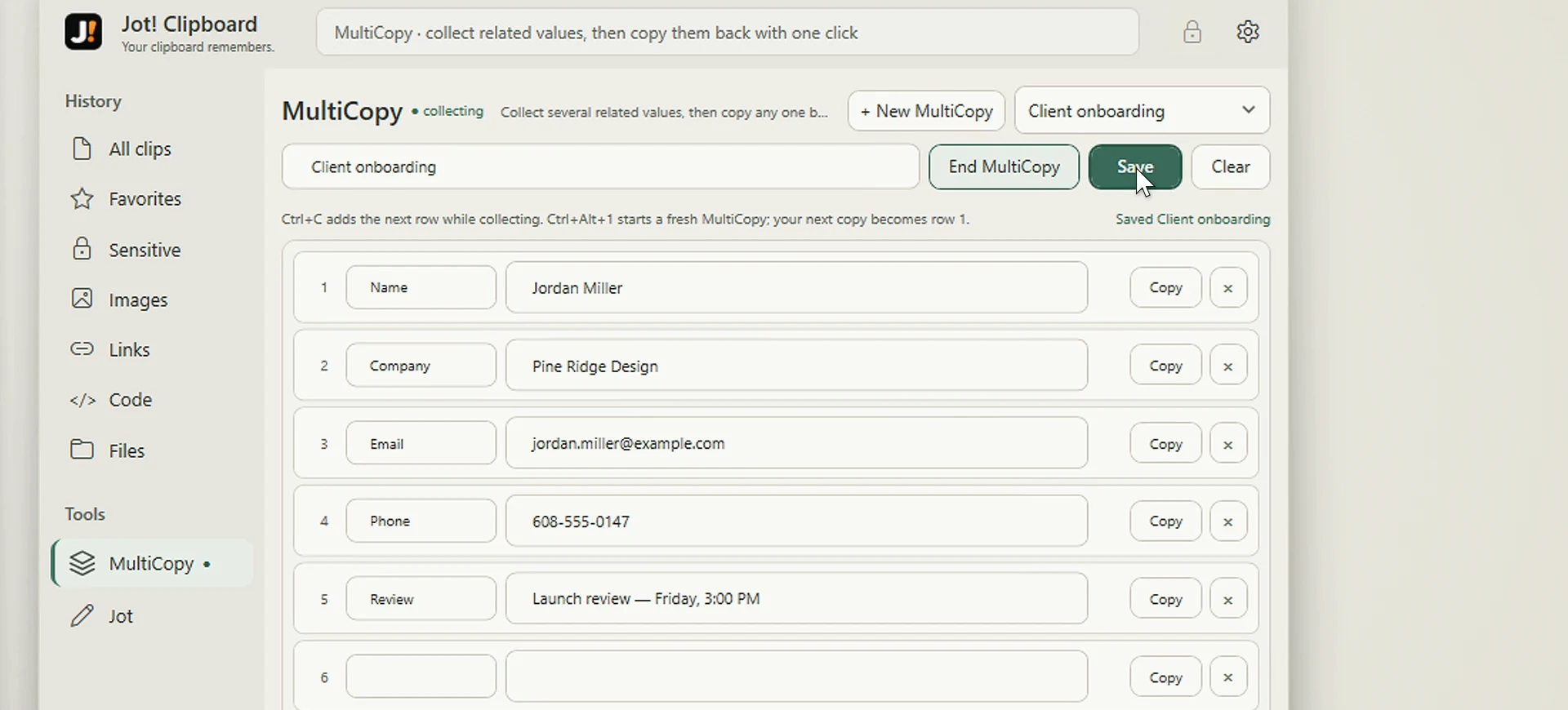 Names → emails → details → saved.
Go beyond a clipboard list. Search older copies, narrow by type, and even find words inside images with on-device OCR.
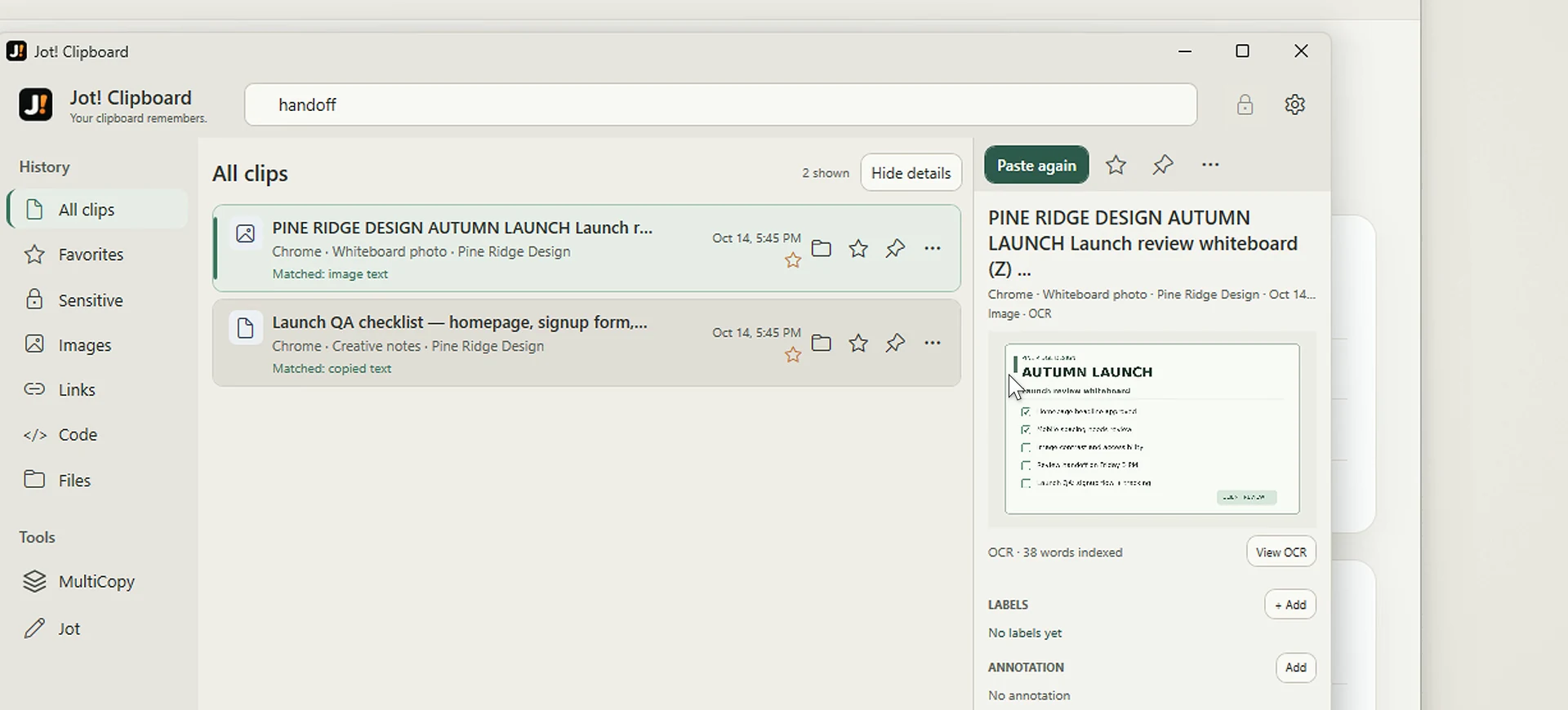
Favorite useful clips. Pin the ones you need most. Filter through your history without losing your place.
FAVORITES / PINS / FILTERSYour clipboard history and notes stay local. Sensitive-content protection and encrypted manual backups give you more control.
LOCAL FIRST / PRIVACY CONTROLSClean, considered light and dark themes. The tools you need, without a wall of settings or distractions.
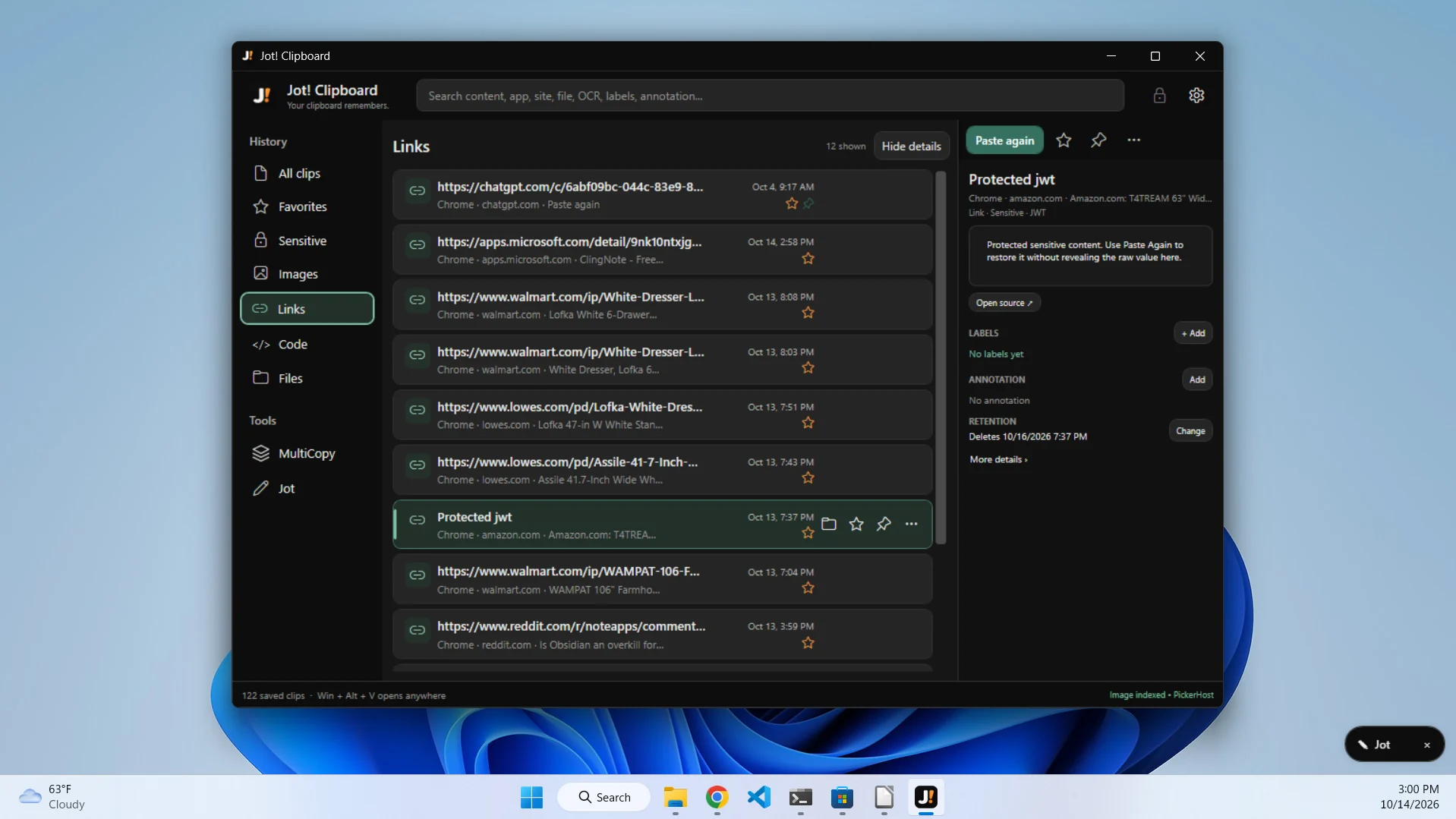
No mockups or magic tricks. Just Jot! doing its thing in a real Windows workspace.
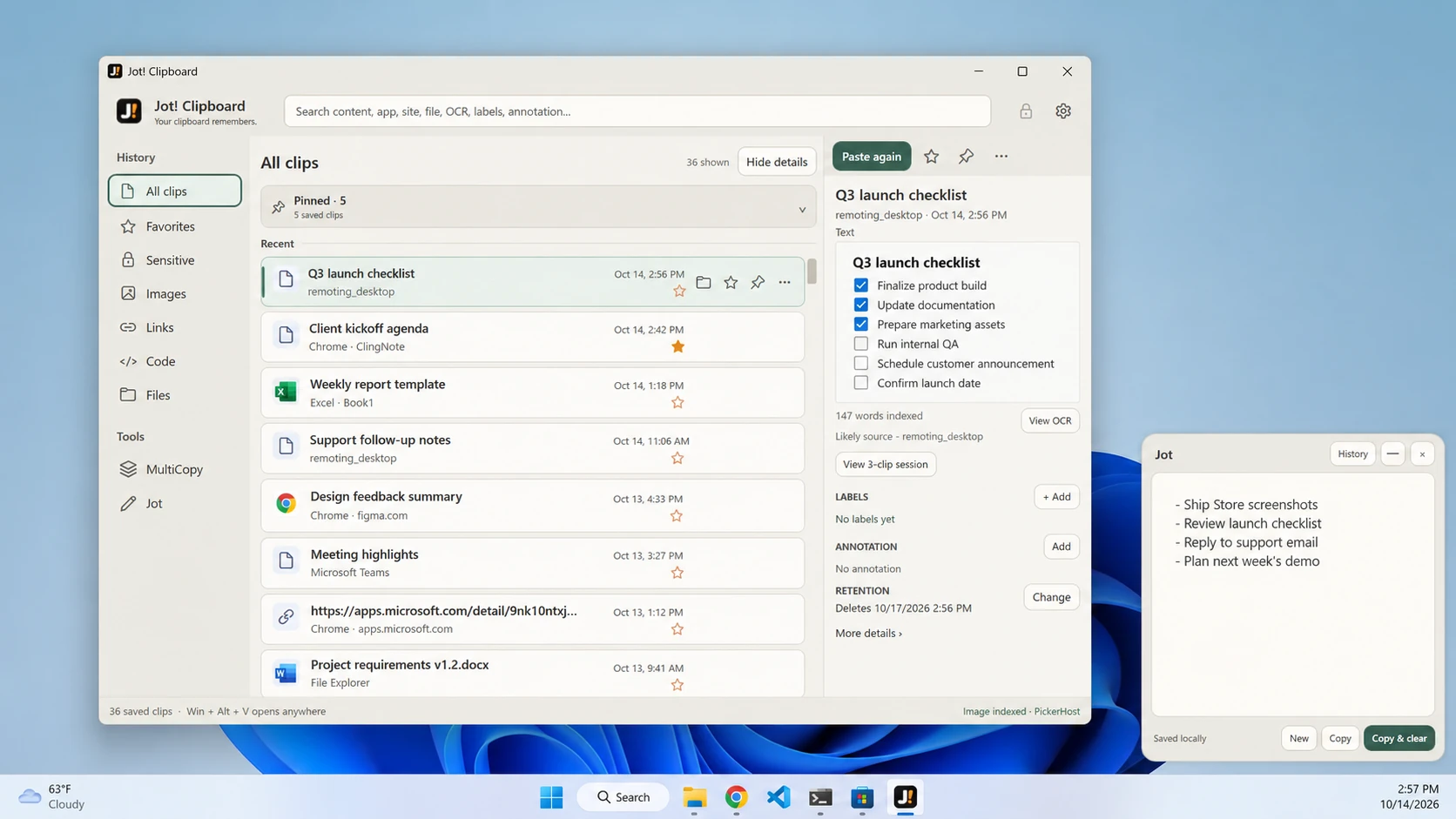
Still curious? Here's what you need to know before you make Jot! your new everyday helper.
No. Jot! is local-first. Your saved clips, notes and OCR search data are stored on your own Windows device, not automatically uploaded to a Jot! cloud service.
Not at all. Jot is optional. Keep it minimized to a tiny movable pill, open it whenever you need to type something, or stick to the clipboard features.
Yes. Open Jot! history, search or browse, and restore an older clip to your clipboard. With the quick-paste shortcut, Jot! can also paste directly back into your previous app.
No account or subscription is required to use Jot!'s core features. Jot! is designed to be a simple Windows utility, not another service to manage.

Your clipboard remembers. Your notepad stays close. That's Jot!